Model Display Names
Now you can change the display name for content models in Builder without affecting code, and if you have more than ten content models, we’ve added a search bar so you can easily find the right content model from a large list.
Now you can change the display name for content models in Builder without affecting code, and if you have more than ten content models, we’ve added a search bar so you can easily find the right content model from a large list.
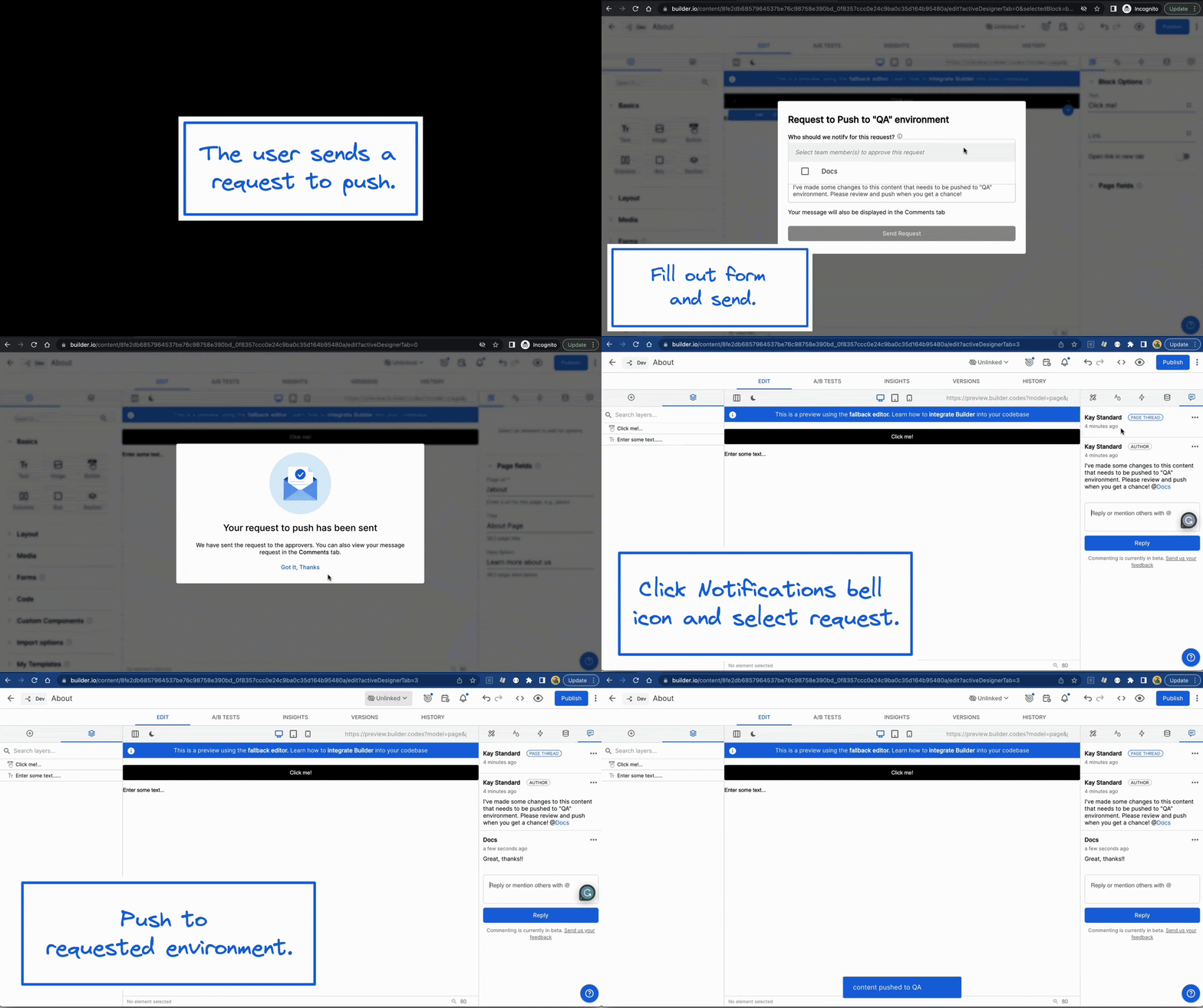
Specify what users can do in your Dev, Staging, QA, and Production environments. Learn more.
Now you can localize individual components in Builder without localizing the entire page or data model. Quickly choose a different image for a different locale, translate header blocks, and even change functionality for complex custom components. Read more in our documentation and check out the localization webinar for a full demo of the capabilities.
Help marketers and content editors stay within your design system whether editing text, styling content, or leveraging code components in Builder. For example, if you have a design system and want to give flexibility to editors to change the background color to one of three brand colors.
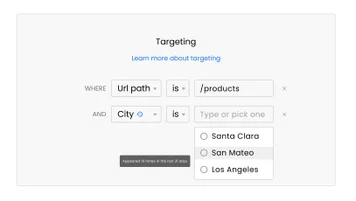
Smart Targeting gives marketers an intuitive workflow for shipping personalized web experiences using data in your customer data platform (CDP). Learn more.
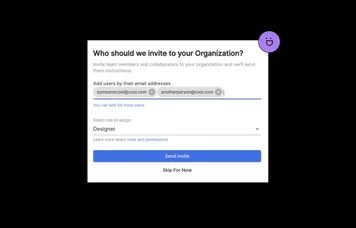
The new invite user flow on the get started page makes it even easier to invite anyone to collaborate with you in Builder.
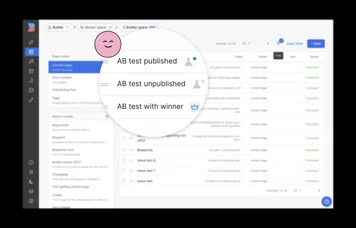
Now, it's easy to skim your content list for A/B tests that are active, inactive, or have determined a winner.
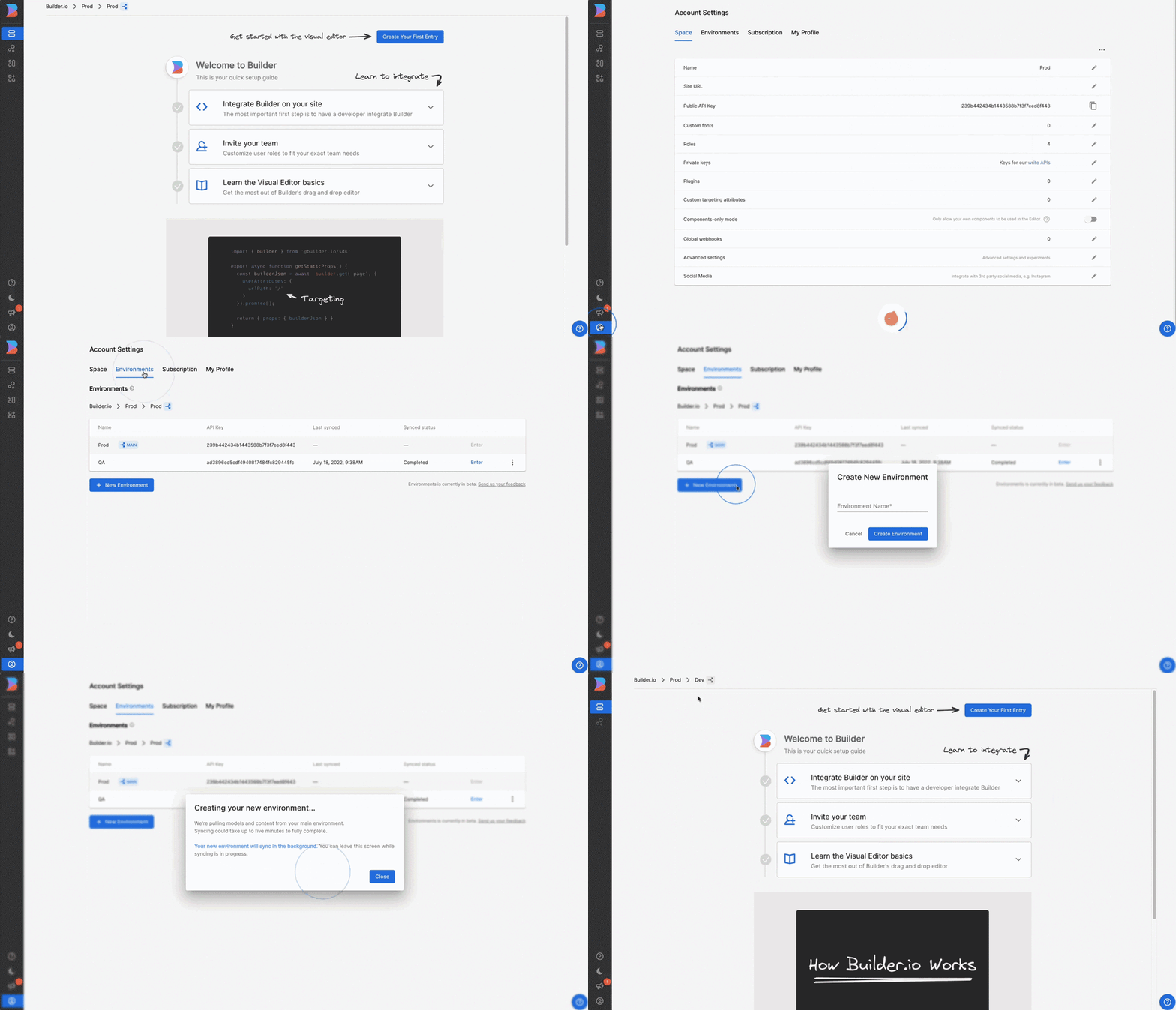
Environments are available in public beta. You can now create pre-production environments to test ideas and functionality, and easily push to production when ready. Learn more.